

Disclosure: Tires Review Zone is reader-supported. As an Amazon Associate I earn from qualifying purchases, at no extra cost to you. Learn more.
Fitting larger tires to your Chevy truck changes more than the stance, and knowing how to calibrate speedometer for larger tires keeps your readings honest. The speedometer stops telling the truth. The dash reads lower than your real speed, and the odometer quietly falls behind.
The fix is calibration. You update the truck’s settings so it works with the new tire size, not the old one. This guide walks through the error, the checks, and both fixes: a programmer at home, or a dealer or shop.
Still picking the tires themselves? Start with what size tires you can put on your Silverado, then come back here before you drive on them.
Key Highlights
- A taller tire travels farther with each turn, so the speedometer reads low.
- The odometer uses the same data, so recorded miles fall behind real miles.
- You can estimate the error from the old and new tire diameters.
- A GPS check confirms the error before and after calibration.
- HP Tuners VCM Editor and its Gear/Tire Wizard can update many GM trucks.
- A dealer or shop can do the same job if you prefer not to.
Why Larger Tires Throw Off the Speedometer
Your Chevy left the factory set up for one tire size. The computer counts wheel rotations and turns them into speed and distance. It assumes every rotation covers the distance of the stock tire.
A larger tire breaks that assumption. Each rotation now covers more ground than the computer expects. The truck thinks it is moving slower, and less far, than it really is.
How Tire Diameter Changes Speed and Distance
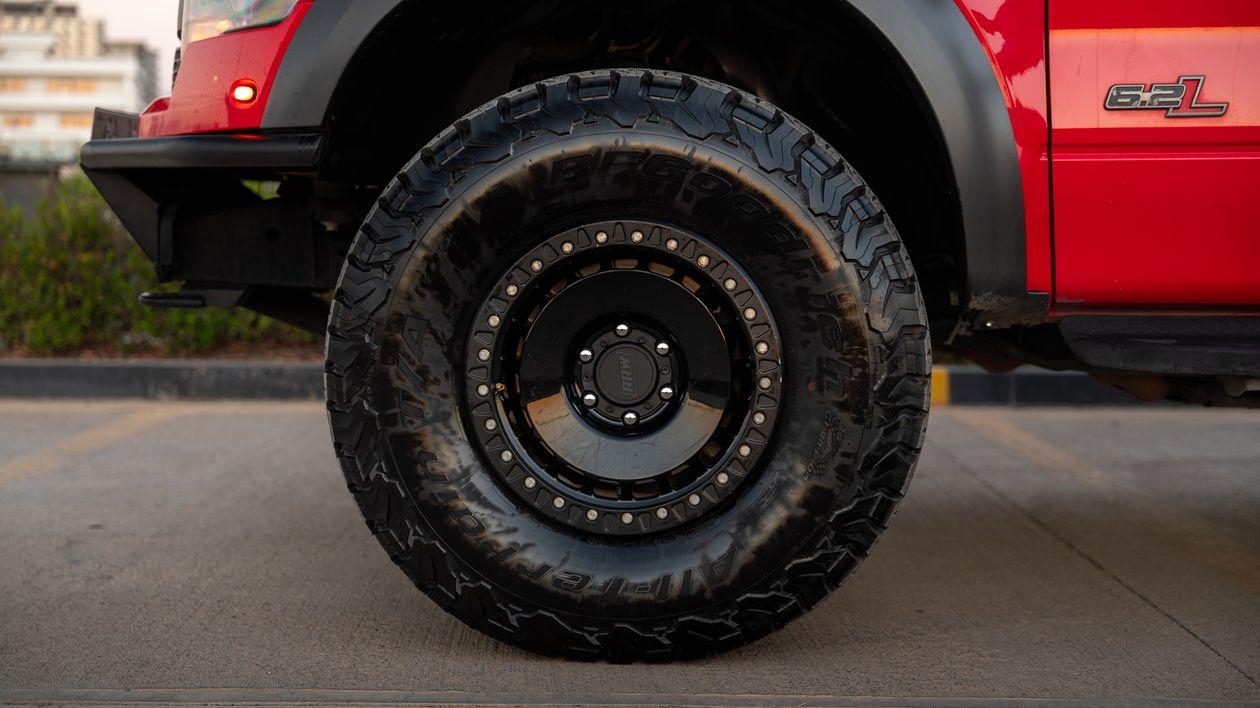
The key number is overall diameter, also called tire height. Go taller, and one full turn of the wheel moves the truck farther down the road.
The speedometer and odometer both read low by the same percentage. That gap shows up in every mile you drive, not just at highway speed. It also means fuel figures based on the odometer will be off.
Other Problems That Can Show Up
The dash display is not the only thing affected. The transmission also works from speed and load data, so shift points can feel wrong after a big tire change.
Owners may notice:
- Shift quality that feels off in normal driving
- Mileage records that no longer match real use
- Service intervals that drift away from true mileage
- Trouble codes after mechanical changes on some trucks
The truck still drives. It is just working from the wrong numbers. Larger tires also change effective gearing, which our guide to the best gear ratio for 33-inch tires on a Silverado covers in detail.
How to Estimate the Error
Before you change any settings, estimate how far off the truck is. You need two numbers: the old tire diameter and the new tire diameter, both in inches.
Divide the new diameter by the old diameter. The result tells you the size of the error. If your tires use metric sizing, a tire size calculator or the unit conversion tool in VCM Suite can give you the height in inches.
Use the measured height, not just the sidewall label. Two tires with the same label can differ slightly by brand and wear. A careful measurement of the fitted tire gets you closer to the number the tool needs.
A Worked Example
Say you move from a 31-inch tire to a 33-inch tire. That is a change of about 6.5 percent. When the dash shows 60 mph, your real speed is close to 64 mph.
Treat this as an estimate, not an exact figure. Tire wear and pressure change the true diameter a little. Confirm the real error with a GPS check.
New tires also need the right pressure for their size and load. Our guide on how to calculate tire pressure for bigger tires walks through that step.
Check the Error With GPS
A GPS device or a phone app gives you a simple real-world check. Hold a steady speed on a safe, open road. Compare the GPS reading with the number on the dash.
- Use a straight, quiet road and a steady speed.
- Check more than one speed, not just one.
- Write down the gap before you change any settings.
- Repeat the same check after calibration.
Mile markers give a second check for the odometer. Reset the trip meter at a marker, drive several marked miles, and compare. If the trip meter reads low, the odometer is under-recording too.
Tools You Need for Calibration
The job is mostly digital. You need the truck’s real tire height in inches, and the current gear ratio. You also need software or a device that can write the new values to the truck.
- A laptop or tablet with the tuning software installed
- An HP Tuners interface device, or a supported handheld programmer
- The latest software version for your tool
- A good battery charge and a stable power connection
- Your measured tire height and gear ratio, written down
For GM trucks, HP Tuners points to VCM Editor, not VCM Scanner, for the Gear/Tire Wizard. Support varies by year and model, so check the maker’s fitment list before you start.
Step-by-Step: Calibrate Speedometer for Larger Tires With a Programmer
Save a copy of the stock file before you change anything. That gives you a way back if a value goes in wrong.
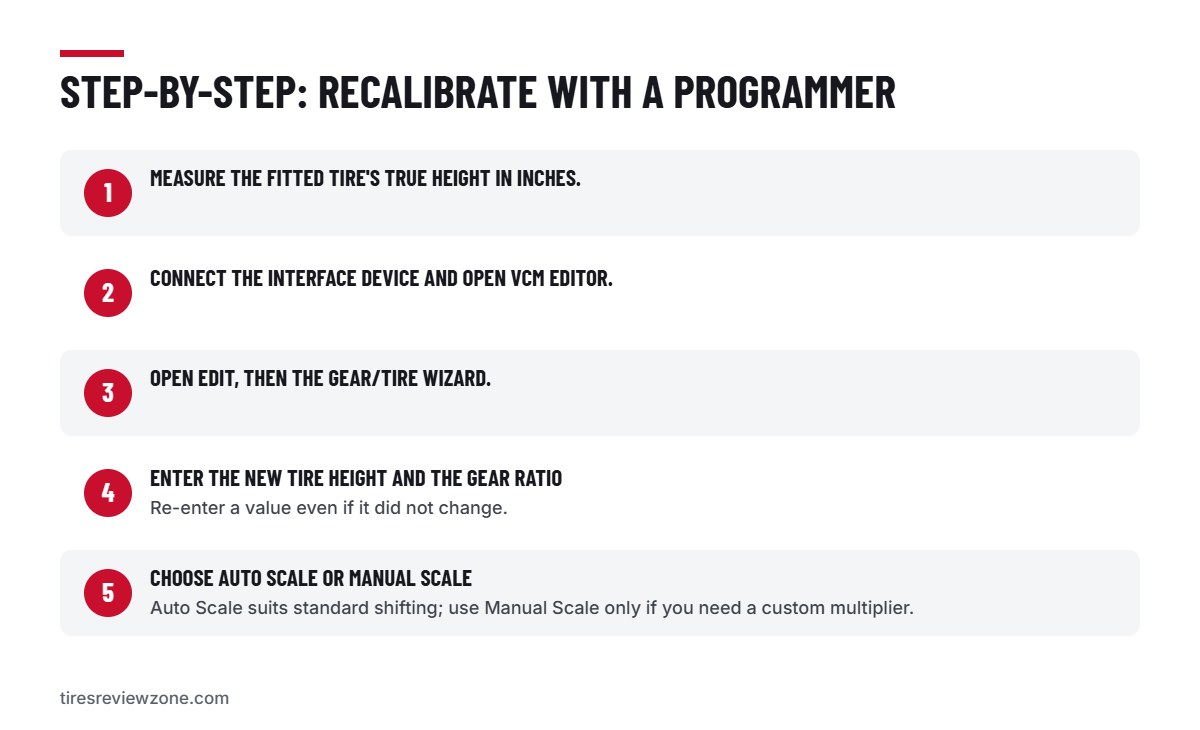
- Measure the fitted tire’s true height in inches.
- Connect the interface device and open VCM Editor.
- Open Edit, then the Gear/Tire Wizard.
- Enter the new tire height and the gear ratio. Re-enter a value even if it did not change.
- Choose Auto Scale for standard shift behaviour, or Manual Scale if you know you need a custom multiplier.
- Click Adjust, save the file, and write the calibration to the truck.
- Look for the on-screen confirmation that the write succeeded.
- Recheck the dash against GPS on a safe, open road.
Do not rush the write step. Keep the power stable and let it finish. If the dash and GPS now agree, the job is done.
Dealer or Shop Option
Not everyone wants to work with tuning software. A dealer or a competent shop can recalibrate the truck for you. They confirm the tire height, connect their tool, apply the change, and verify the result.
This route suits a first-timer. It also helps if your truck falls outside the supported list for home tools. Chevrolet’s owner center can point you to dealer service information for your truck.
Prices vary by shop and truck, so ask for a quote first. There is no single standard charge for this job.
What Happens If You Skip Calibration
The most obvious risk is speed. If the dash reads low, you can drive faster than you think, which is a safety and legal problem. The NHTSA tire safety pages cover why correct tire setup matters for safe driving.
The quiet risk is mileage. Under-recorded miles throw off service timing, fuel figures, and resale records. Over thousands of miles, the gap becomes large enough to matter.
Calibration is a short job compared with those headaches. It is worth doing as soon as the new tires go on.
Conclusion
Larger tires make a Chevy truck read low on speed and distance. The cause is simple: the computer still expects the old tire size. The fix is just as clear: check the error, then update the settings with a programmer or let a shop do it.
Keep your tire paperwork and service records accurate after the change. The U.S. Tire Manufacturers Association publishes general tire care guidance that pairs well with a correct setup.
Frequently Asked Questions
Is it necessary to recalibrate after installing bigger tires?
Yes, in most cases. A taller tire changes how far the truck travels per wheel turn, so the speedometer, odometer, and shift behaviour can all be off until the settings match the new size.
Can I do the calibration at home, or do I need a shop?
You can do it at home if your truck is supported and you have the right tool. Save the stock file first and follow the steps carefully. If support is unclear, a shop is the safer choice.
How much does professional calibration cost?
It varies by shop, region, and truck, and there is no fixed standard price. Ask a dealer or local shop for a quote for your exact truck before you book the work.
Keeping the Reading Right Over Time
Calibration is not a one-time thought for trucks that change tires often. Fit a different size later, and the error comes back. Change the gear ratio, and the settings need another look.
Tire wear alone will not undo a good calibration. Wear changes diameter slowly and slightly. A size change is different: it is a step change, and it needs a fresh check.
Keep it simple. After any tire size or gear change, run the GPS check again. If the dash and GPS disagree, repeat the calibration with the new numbers.